
Zomato Photo Guidelines for Restaurant Menus
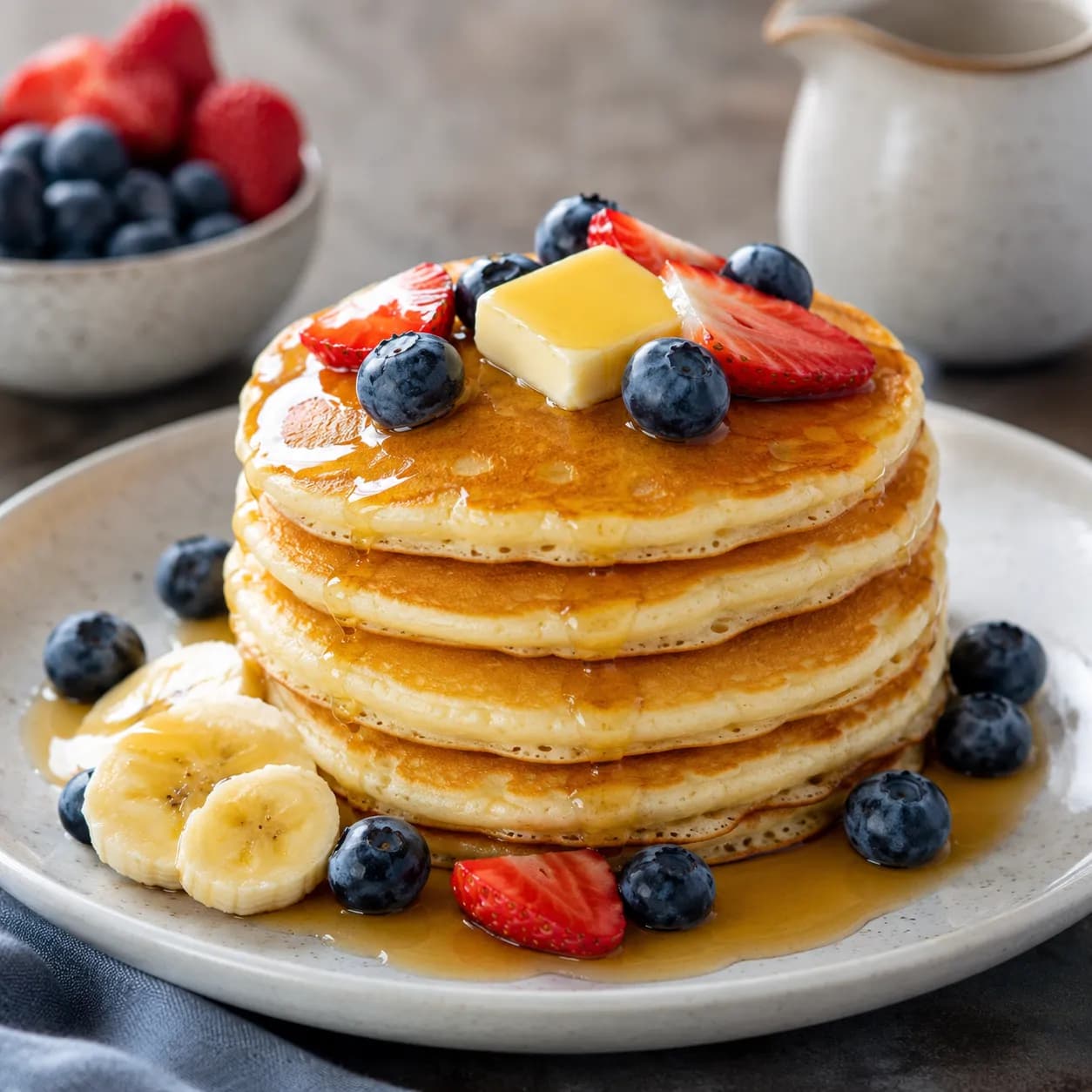
Zomato is a browse-and-compare marketplace: customers scroll quickly and decide in seconds. Strong photos increase trust and clicks, but the platform also enforces rules about what images can be uploaded. This guide covers the practical standards that keep photos live (and looking good), plus a quick checklist you can use before publishing.
Start with Zomato’s policies
Zomato’s rules for user and restaurant content live in its policies. If you’re unsure whether an image is allowed (overlays, logos, promotional content, etc.), start here: Zomato Policies (official).
For a neutral overview of the company and its history, see Zomato on Wikipedia.
What “good” looks like on Zomato (practical standards)
Exact upload specs can differ by market and surface, but these patterns are consistent across successful listings:
- Sharp, bright, appetizing: avoid blur, grain, and yellow/green casts from mixed lighting.
- Food-first framing: center the dish and make it unmistakable at thumbnail size.
- Clean background: reduce clutter—busy prep surfaces and props distract and look low-quality.
- No promotional overlays: avoid prices, coupon text, social handles, and “best in town” banners.
- Accurate representation: show what customers will receive (portion size, included sides, packaging).
Cover photos vs dish photos (optimize both)
Zomato listings often show multiple photo contexts. Designing for each prevents “looks great full-size, breaks in the grid” problems.
Cover / hero images
- Job: set expectations for cuisine + quality.
- Composition: one standout dish or a tidy spread of best-sellers.
- Crop-safe framing: keep the key area centered so it survives different device crops.
Dish photos (menu + gallery)
- Job: remove uncertainty—what am I ordering?
- Composition: one dish, centered, fully visible with breathing room.
- Thumbnail-safe: assume a tighter crop; don’t cut off the hero item.
Common reasons photos get removed or underperform
- Too dark or noisy: kitchen lighting creates harsh shadows and grain.
- Busy backgrounds: cluttered prep areas, branded packaging piles, or unrelated props.
- Over-editing: heavy filters that make food look unnatural.
- Mismatched items: photo shows extras not included in the listed dish.
- Crop failure: the food is cut off in grid views.
Best practices that improve clicks
- Use soft directional light: window light or a diffused key light beats harsh overheads.
- Pick the right angle: top-down for bowls/plates; 45° for burgers, stacks, and layered dishes.
- Standardize your set: consistent background + brightness builds trust across the menu.
- Shoot your top sellers first: photos for the top 10 items do most of the conversion work.
How PlatePhoto helps
- Relights and fixes color casts from mixed lighting.
- Cleans up backgrounds so the dish is the focal point.
- Outputs crop-safe images that hold up on mobile thumbnails.
Result: cleaner listings and faster publishing without reshoots.
Zomato upload checklist
- Center the dish and leave margin for cropping.
- Remove overlays (no text, watermarks, borders, or collages).
- Match the item exactly (ingredients + portion size).
- Check sharpness at 100% zoom.
- Keep consistency across the menu: similar angles, brightness, and background vibe.
Publish Zomato-ready photos today
Upload once—PlatePhoto returns a clean, crop-safe image you can publish immediately.
Spend minutes improving your listing, not weeks coordinating shoots.
Generate Zomato-ready photos
Upload any dish photo—PlatePhoto relights, cleans backgrounds, and outputs consistent, crop-safe images that look great on mobile listings.
Read Next
Continue exploring our latest guides and tips
Deliveroo Photo Requirements & Best Practices
Learn what should be included in a proper delivery photo, plus Deliveroo image requirements, cropping rules, and common rejection reasons.
Read articleFoodpanda Photo Guidelines for Faster Approval
Follow foodpanda's photo guidelines and best practices to format crop safe menu photos, speed up publishing, and boost your conversion rates.
Read articleJust Eat Takeaway Photo Requirements Guide
Master Just Eat and Takeaway.com photo requirements. Follow our checklist to ensure crop-safe images, pass approval checks, and boost restaurant sales.
Read article