
DoorDash Photos & Images: Requirements and Photoshoots
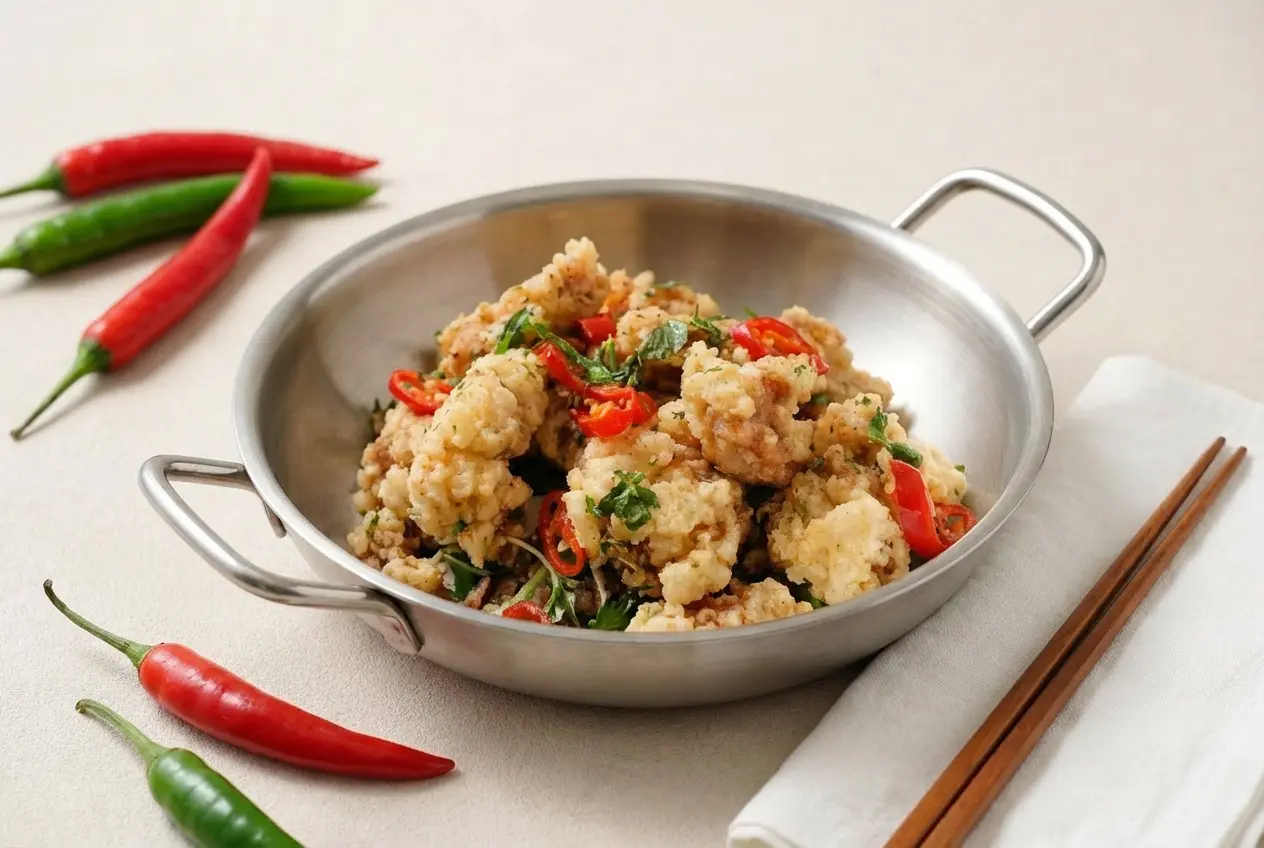
DoorDash commands the largest U.S. delivery audience—roughly two-thirds of app-based delivery orders in recent Statista snapshots—so your menu photos here matter most. Strong DoorDash images can make each order picture more appealing, speed up ordering, and reduce bounces. This guide covers DoorDash photo requirements, photoshoots, uploads, and ways to become a DoorDash photographer.
Market context: U.S. delivery is huge (and DoorDash leads)
The U.S. is home to the world’s second-largest online food delivery market (behind China), with an estimated $353B in revenues in 2024 and more than $95B generated in meal delivery alone. By 2029, the market is forecast to exceed $500B as online grocery and meal delivery keep growing. Source: Statista’s U.S. online food delivery overview.
In that “food delivery war,” DoorDash is the clear U.S. leader: it controlled roughly two-thirds of the online meal delivery market as of March 2024 and was also the most downloaded delivery app in the U.S. in 2024 (about 19M downloads, vs. ~12M for Uber Eats). Statista.
Competition is cut-throat because customers can easily switch apps: long delivery time is a top frustration for roughly a third of U.S. consumers and delivery charges are another major complaint (~26%). Operators are also managing macro pressure and a push toward profitability—both DoorDash and Uber Eats posted positive profit figures in 2024. Statista.
Why DoorDash Photos and Images Matter
- DoorDash’s own research shows header images can lift sales up to 50% and logos up to 23% for menus with branding.
- Menus with appetizing photos reduce uncertainty and speed checkout—crucial on a platform that moves the majority of U.S. delivery volume.
- DoorDash reviews images before approval; compliant photos get live faster and keep your listings active.
DoorDash Photo Requirements for Menu Images
Per the official DoorDash Merchant Learning Center photo guide:
- Clearly show the menu item in proper lighting against a neutral background.
- Keep the food focused and remove text or other overlays.
- Use the Merchant Portal photo editor to crop, improve lighting and color, remove overlays, or apply an approved background.
- DoorDash’s public US menu-item guide does not currently publish one universal pixel size or file-size limit for every item photo.
DoorDash does publish a technical specification for Collection header photos: an approximately 16:9 horizontal image, at least 1400×800 pixels, under 20 MB, in JPEG or PNG format. See DoorDash’s Collections guide.
How to Book a Free DoorDash Photoshoot
Eligible restaurant partners may be able to book a complimentary professional DoorDash photoshoot from the Merchant Portal. According to DoorDash, availability depends on your area and whether your menu already has professional images. If you see Book a Free Photoshoot beside a menu item, you can use it to request a session.
- The session lasts up to 1.5 hours.
- The photographer can capture up to 20 menu-item photos plus one store header image.
- You choose the dishes, so prioritize your most-ordered and highest-margin items.
- DoorDash covers the included session; the restaurant normally provides the prepared food.
- Marketplace Premier merchants may qualify for a $200 credit toward food, styling, or setup, subject to DoorDash’s terms.
Check current eligibility and local availability in DoorDash’s free photoshoot guide. If the option is unavailable, you can hire a food photographer, take your own DoorDash pictures, or improve an existing smartphone photo with PlatePhoto.
Why DoorDash Rejects Photos
You’ll see rejection reasons in email and inside Menu Manager. The most common issues:
- Zoomed too tight: a cropped-in plate won’t render well—shoot landscape and keep the full item visible.
- Distracting background: busy cloths, neon props, or artificial backdrops pull focus; use a neutral surface instead.
- Overlays or graphics: text, logos, or stickers on the image trigger rejection—upload a clean photo.
- Collage layouts: multiple photos stitched together aren’t allowed—stick to a single frame.
- Lighting problems: overly dark or blown-out shots hide detail; use soft window light or turn off harsh flash.
- Blurry or low-res: out-of-focus or under 230x230px; keep the main item sharp even if the background is soft.
- Color drift: unnatural tones or heavy filters; aim for true-to-life color with natural light.
- Unappetizing cues: half-eaten food, messy plates, visible plasticware, or sloppy plating.
- People in frame: faces are not permitted; hands and arms are fine only when holding the item.
- Non-item imagery: the photo doesn’t clearly show the dish—make sure the entire item appears.
- Mismatch or extras: image doesn’t match the menu item or shows additional items not included.
- Duplicates: reusing the same shot twice on the menu isn’t allowed.
- Copyright risk: photos flagged as potentially not yours—only submit images you created or own.
How to Become a DoorDash Photographer
There is no permanent public application specifically for a “DoorDash photographer” in every market. DoorDash’s complimentary merchant shoots are fulfilled according to local photographer availability, and photography opportunities may appear through contractors, creative networks, or DoorDash’s general careers listings rather than one universal sign-up page.
If you want to photograph food for DoorDash merchants, use this practical route:
- Build a portfolio of well-lit, true-to-life restaurant dishes in square and 16:9 crops.
- Show that you can complete a high-volume shoot efficiently while keeping every menu item consistent.
- Watch reputable local photography marketplaces and DoorDash careers for contract or creative openings.
- Pitch restaurants directly, especially merchants with missing, inconsistent, or low-quality DoorDash delivery photos.
- Offer clear packages for 10–20 dishes, a header image, editing, and delivery-ready exports.
Avoid assuming that an old vendor relationship is still active. Photography partners can change by location and over time, so verify the client, usage rights, rate, travel requirements, and shot list before accepting a DoorDash photoshoot assignment.
What Helps Photos Get Approved
Prioritize your signature dishes first so shoppers see your best-sellers immediately. Then align with these definitions and specs:
Photo types DoorDash expects
- Item photo: Shows the actual dish—size, shape, color, and key ingredients.
- Carousel photo: A header or swipeable set that gives customers a quick sense of your menu.
- Header photo: The hero image at the top of your store page.
- Logo: A clean version of your brand mark.
Published technical requirements by image type
- Menu item: DoorDash’s public US guide gives visual requirements but no single universal width, height, or file-size threshold.
- Collection header: approximately 16:9, at least 1400×800 pixels, under 20 MB, JPEG or PNG.
- Content: keep the relevant food clear, focused, well lit, and free of unapproved text or overlays.
- Framing: leave breathing room so DoorDash’s editor and customer-facing layouts can crop safely.
How PlatePhoto helps
- Auto-crops for 1:1 and 16:9 while centering the dish.
- Relights and denoises low-light smartphone shots to pass quality checks.
- Swaps messy prep surfaces for clean, brand-safe backgrounds—no reshoot needed.
Outcome: compliant images the same day, ready to upload.
DoorDash Delivery Photo Upload Checklist
- Shoot or upload with negative space around the plate so crops don’t cut edges.
- Center the hero item; avoid hands, utensils mid-air, or branded packaging unless required.
- Export two versions: square (1:1) and wide (16:9) if you’re not auto-cropping with PlatePhoto.
- Check color accuracy—no radioactive greens or heavy saturation.
- Add alt text and descriptive filenames for SEO when embedding on your site.
How to See or Replace a DoorDash Order Picture
Customers can see a DoorDash delivery picture beside an item when the merchant has an approved image assigned to it. Merchants can review or replace one in the Merchant Portal by opening Menu, selecting the item, and choosing a photo from the library or uploading a new file. After submission, the DoorDash photo may show a pending status while it is reviewed.
If the wrong DoorDash order picture appears, first confirm that you edited the correct menu and location. Then remove or replace the assigned image and submit the update for review. DoorDash pictures can also be rejected when they show a different dish, extra items that are not included, text overlays, or duplicate content.
Market Share Snapshot
Recent U.S. delivery share estimates (e.g., Statista, 2024): DoorDash ~65–67%, Uber Eats ~23%, Grubhub ~9%. Winning the DoorDash shelf is the biggest volume lever.
Ship DoorDash-ready photos now
Upload a dish, pick a background vibe, and PlatePhoto returns clean 1:1 and 16:9 crops that clear review.
Go live while competitors wait on reshoots.
Publish DoorDash-ready photos today
Upload any dish—PlatePhoto relights, cleans backgrounds, and outputs compliant crops for DoorDash menus instantly.
Read Next
Continue exploring our latest guides and tips
Grubhub Photo Guidelines for Restaurant Menus
Meet Grubhub's photo requirements with conversion friendly visuals that keep your menu quality consistent and appealing across every listing.
Read articleDelivery Hero Menu Photo Requirements
Check Delivery Hero photo requirements across foodpanda and talabat. Use our checklist to publish clean, compliant, and conversion-ready menu photos fast.
Read articleUber Eats Photo Guidelines & Requirements
Plan your Uber Eats photoshoot with photo requirements that help you avoid rejection, present your food accurately, and boost your menu orders.
Read article