
Just Eat Takeaway Photo Requirements Guide
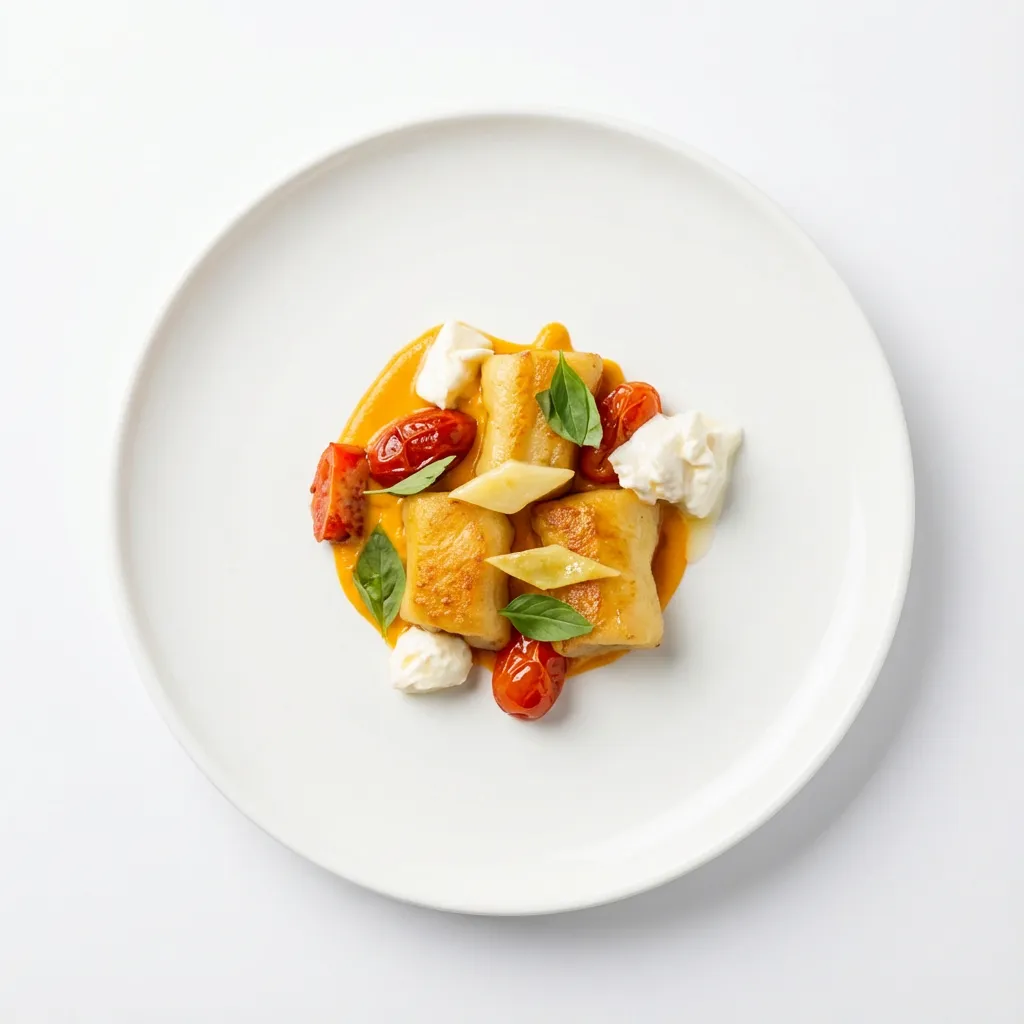
Just Eat and Takeaway.com merged into a single company—Just Eat Takeaway.com. That’s important for operators because there isn’t one universal, public “JET photo spec” shared across every country and brand surface. The exact dimensions and upload flows can differ by region and partner portal, but the requirements that determine approvals (and conversion) are remarkably consistent. This guide gives you a reliable, platform-safe checklist for menu photos that look great and survive cropping.
Where the “official” truth lives
Just Eat Takeaway.com is the combined company behind multiple marketplaces. For corporate context (including the merger history), see Just Eat Takeaway.com — Our story (official).
For a neutral overview and references, see Just Eat Takeaway.com on Wikipedia.
For photo requirements, your local restaurant/partner portal is the source of truth (file type, size limits, and exact crops). Use the best practices below as your baseline, then confirm any region-specific specs where you upload.
Common menu photo requirements across Just Eat + Takeaway marketplaces
These are the standards that typically drive approvals and keep your menu consistent on mobile.
- Food is the focus: no promo text, price overlays, watermarks, borders, or stickers.
- One item per image: avoid collages and multi-item “boards” for single menu items.
- Clean background: remove prep clutter, branded packaging piles, and distracting props.
- Sharp + well-lit: no blur, heavy noise, or harsh color casts from mixed lighting.
- Accurate representation: show what the customer receives—portion size, included sides, packaging, and garnish.
- Crop-safe composition: leave breathing room; many menus display square thumbnails even if you upload a rectangle.
Hero images vs item images (optimize both)
Most delivery menus present imagery in at least two contexts. Plan your photos so they work in both.
Hero / header images (storefront)
- Goal: communicate cuisine + quality fast.
- Composition: show variety (multiple best-sellers) without looking cluttered.
- Keep the center strong: important elements should stay readable after crops on different devices.
Menu item images (thumbnails)
- Goal: remove uncertainty—what am I ordering?
- Composition: one dish, centered, fully visible.
- Square-safe framing: assume your image may be shown in a square—don’t cut off the hero item.
Best practices that improve approvals and conversion
- Use soft, directional light: window light or a diffused key light beats harsh overhead lighting.
- Choose the right angle: top-down for bowls/plates; 45° for burgers, stacks, and layered dishes.
- Keep styling real: garnish only what you serve; don’t add off-menu props.
- Standardize across your menu: consistent brightness + background vibe builds trust.
- Prioritize top sellers: photos for your top 10 items usually drive the majority of clicks.
How PlatePhoto helps
- Relights and corrects color casts from mixed kitchen lighting.
- Cleans up messy backgrounds so the dish stays the focal point.
- Outputs crop-safe images so thumbnails keep the full item visible.
Result: consistent photos you can reuse across Just Eat / Takeaway marketplaces without reshoots.
Upload checklist (before you submit)
- Center the dish and leave margin for cropping.
- Remove overlays (no text, watermarks, borders, or collages).
- Match the item exactly (contents + portion size).
- Check sharpness at 100% zoom.
- Keep consistency across the menu: similar angles, brightness, and background vibe.
Ship Just Eat Takeaway–ready photos today
Upload once—PlatePhoto returns a clean, crop-safe menu image you can submit immediately.
Spend minutes improving your menu, not weeks coordinating shoots.
Generate Just Eat Takeaway–ready photos
Upload any dish photo—PlatePhoto relights, cleans backgrounds, and outputs consistent crops you can reuse across Just Eat / Takeaway marketplaces.
Read Next
Continue exploring our latest guides and tips
Delivery Hero Menu Photo Requirements
Check Delivery Hero photo requirements across foodpanda and talabat. Use our checklist to publish clean, compliant, and conversion-ready menu photos fast.
Read articleDeliveroo Photo Requirements & Best Practices
Learn what should be included in a proper delivery photo, plus Deliveroo image requirements, cropping rules, and common rejection reasons.
Read articleDoorDash Photos & Images: Requirements and Photoshoots
Learn DoorDash image requirements, how to book a DoorDash photoshoot, upload better order pictures, and explore work as a DoorDash photographer.
Read article